If you are searching for a vivosun smart grow system for blind gardeners screen reader compatibility, here is the short answer: VIVOSUN's GrowHub controller and the companion VIVOSUN App work best when paired with TalkBack (Android) or VoiceOver (iOS), and the experience can be made fully usable by blind and low-vision gardeners with a handful of tactile modifications and accessibility settings. The hardware itself is not certified for blind use, but the app's button-based interface, large numeric readouts, and standardized iconography are largely screen-reader friendly once you turn on rotor navigation and disable a few decorative animations.
In this 2026 buyer's guide we walk through which VIVOSUN smart grow products actually pair well with screen readers, what to do at unboxing, how to label sensors in braille or bump dots, and how to build a routine that does not rely on the LED status ring. We also compare VIVOSUN's ecosystem to other smart garden kits so blind gardeners can pick the system that fits their living situation, budget, and crop goals.
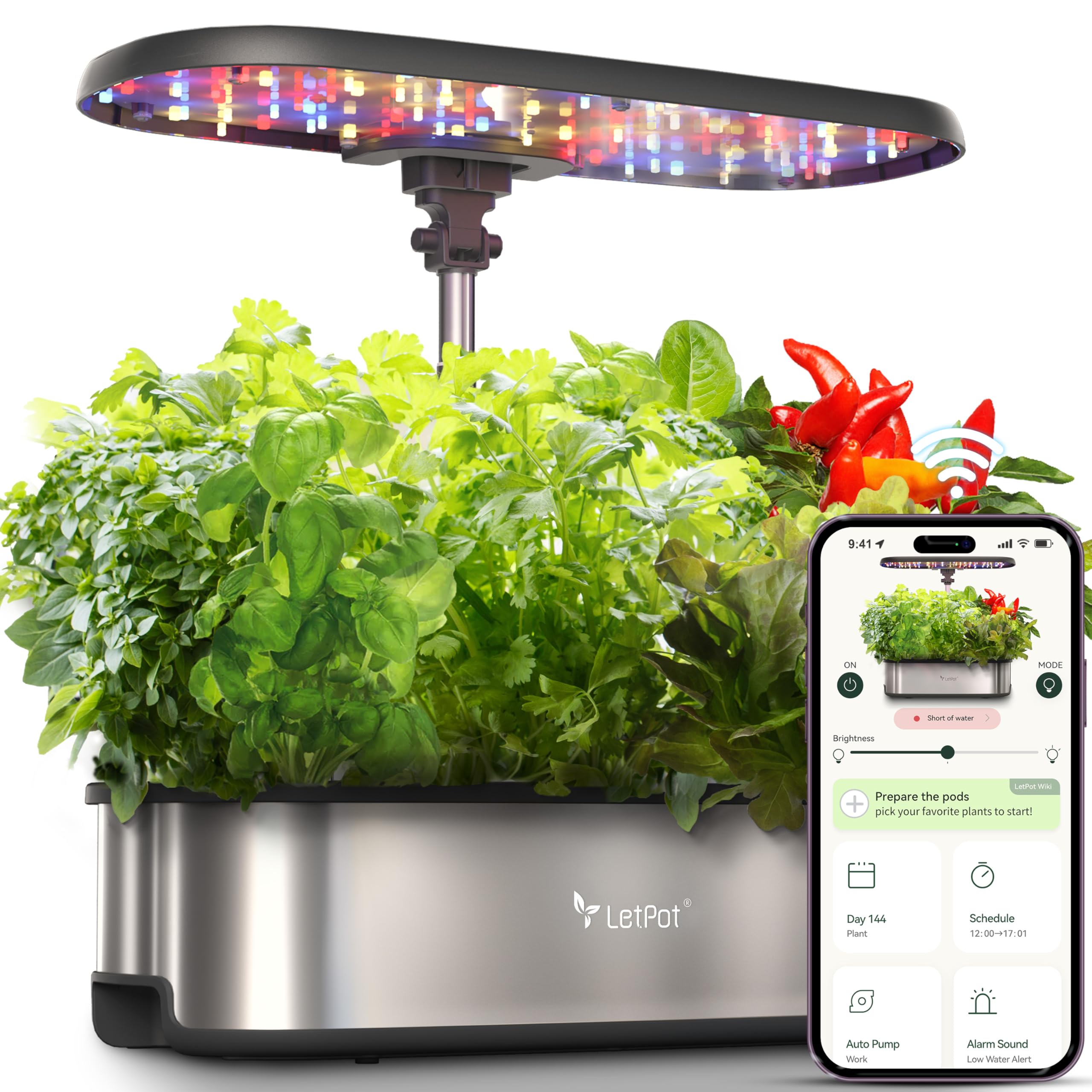
Why screen reader compatibility matters in a smart grow system
Most modern indoor gardens lean on touchscreens, LED status rings, and color-coded indicators. For a sighted user those cues are convenient. For a blind or low-vision gardener they are obstacles. A smart grow system that is genuinely accessible needs three things: an app that exposes every control as a labeled UI element, hardware that communicates state through sound or haptic feedback (or at least does not require a screen to operate), and sensors whose readings are spoken numerically instead of being shown only as a colored bar.
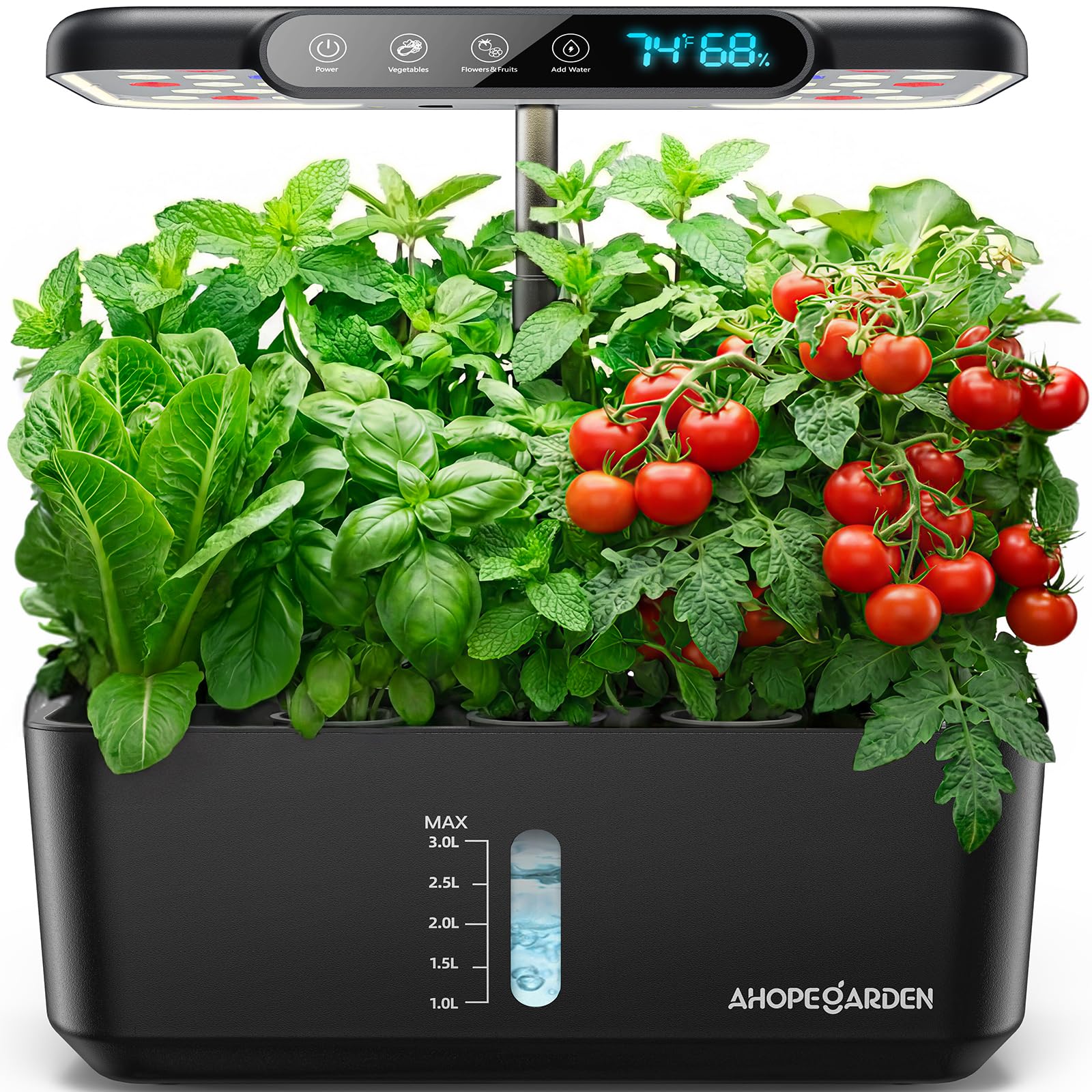
VIVOSUN's GrowHub E42A controller and the VIVOSUN App generally check the first box. The hub itself is silent and depends on the app, which is the trade-off blind gardeners need to evaluate. If your phone is already your main interface to the world, that is fine. If you want a stand-alone unit with audio prompts out of the box, you will need to add a smart speaker or use iOS Shortcuts as a bridge.
What the vivosun smart grow system for blind gardeners screen reader workflow actually looks like
The realistic day-to-day flow is this. You open the VIVOSUN App, VoiceOver or TalkBack reads out the current temperature, humidity, VPD, and timer state for each connected device. You double-tap to enter a schedule, swipe through fan speed steps that are announced as percentages, and confirm with the system button. Watering pumps and grow-light timers are configured as named scenes — "morning veg light on," "night fan low," "daily 30-second pump" — which screen readers read cleanly because they are plain text labels rather than graphical scenes.
The pain points are the onboarding screens (some QR-code pairing flows are not labeled), the firmware update progress bar (announced as "image" by older TalkBack versions), and the VPD chart, which is purely visual. Workarounds exist for all three and we cover them below.
VIVOSUN ecosystem pieces worth knowing
VIVOSUN sells the controller, sensors, inline fans, LED grow lights, and a small water pump separately. There is no single all-in-one countertop unit like an AeroGarden. That modularity is actually friendly to blind users because you can position each component where you can reach it, rather than crowding everything onto one front panel. The trade-off is more setup at the start.
VIVOSUN GrowHub E42A Controller
This is the brain. It connects to Wi-Fi, reads your sensors, and runs schedules. From an accessibility standpoint, the hub itself has a small screen you can ignore — everything is controllable from the app. Pair it once with sighted assistance (or via Be My Eyes / Aira) and you will rarely touch the hardware again. Search Amazon for the GrowHub E42A and use your affiliate link of choice; if VIVOSUN updates the model number, the in-app pairing flow is the same.
VIVOSUN AeroLight or VS1000 LED Grow Light
The grow lights themselves do not need accessibility features — they are dumb fixtures driven by the controller. What matters is that the dimmer knob has a tactile center detent at roughly 50%, which gives a blind gardener a reliable reference point. Mark 25%, 75%, and 100% positions with bump dots once and you have a fully tactile dimmer.
VIVOSUN Smart Outlet
The smart outlets are the unsung hero for accessibility because they let you bring any non-smart pump, heater, or humidifier into the schedule. The app exposes them as named on/off toggles, which screen readers handle perfectly. If you only buy one accessory beyond the hub, make it two of these outlets.
Comparing accessible smart grow options in 2026
VIVOSUN is not the only option. Here is how it stacks up against two popular alternatives blind gardeners often consider.
| System | Screen reader app support | Tactile controls | Best for |
|---|---|---|---|
| VIVOSUN GrowHub + App | Good with TalkBack/VoiceOver; minor unlabeled elements | Knob dimmers, physical outlets | Tent or shelf growers who want modular control |
| AeroGarden Harvest (Wi-Fi) | Partial; some buttons unlabeled in app | Front-panel buttons with audible beep | Countertop herb growers |
| Click & Grow Smart Garden 9 | App-light; mostly automatic | Single physical button | Hands-off renters and beginners |
The honest summary: if you want the deepest screen-reader-friendly customization, VIVOSUN wins. If you want the fewest decisions and the most tactile front panel, Click & Grow wins. AeroGarden sits in the middle and is a reasonable compromise if you already own one. For a deeper comparison of countertop kits, see our guide to comparing smart indoor garden kits.
Setting up a VIVOSUN system without sight
The first 30 minutes are the hardest because of QR-code pairing. Here is the workflow that works reliably.
- Unbox in a consistent space. Lay the hub, sensors, and cables on a tray. Use a single power strip so you can later confirm power by touching one switch.
- Pair via Bluetooth, not QR. In the VIVOSUN App, choose "Add Device" and then "Manual pairing." This avoids the QR step entirely. VoiceOver and TalkBack read the device name when it appears.
- Name everything immediately. Rename "GrowHub_3F8A" to "Kitchen hub." Rename sensors to "Top shelf temp" and "Bottom shelf humidity." Screen readers will read these names every time you open the app, so spend time on clarity here.
- Build scenes, not raw schedules. Scenes are spoken as a single label. A schedule with five sub-toggles is announced as five separate elements, which is slow to navigate.
- Add a smart speaker bridge. If you have an Echo or HomePod, expose your VIVOSUN scenes through Alexa or Apple Home so you can say "turn on veg lights" without unlocking the phone.
If you are completely new to indoor growing, pair this with our indoor garden beginners guide before buying hardware — some accessibility decisions are easier if you know whether you want herbs, leafy greens, or fruiting plants.
Tactile modifications that make the system blind-friendly
Hardware alone is not enough. These low-cost mods make the difference between a usable garden and a frustrating one.
- Bump dots on the dimmer knob. Place small dots at 0, 25, 50, 75, and 100 percent. Use a different-shaped dot at 50 so you can find it by touch alone.
- Braille labels on outlets. Dymo braille tape on each smart outlet ("fan," "pump," "light") removes any guesswork.
- Textured plant markers. Cork, sandpaper, and felt squares glued to pot rims tell you which crop is which.
- Audio moisture meter. A talking soil moisture probe complements the VIVOSUN humidity sensor and tells you when individual pots need water, not just the ambient air.
- Consistent reservoir position. Always place the water reservoir on the same side of the tent. Predictability beats memory.
Screen reader settings that improve the VIVOSUN App
On iOS, turn on VoiceOver, then enable the Rotor item for "Headings" and "Buttons." Rotating to Buttons lets you skip past the marketing banner on the home screen. Turn on "Speak Hints" for the first week so you learn what each unlabeled icon does, then turn hints off once you have memorized them.
On Android, TalkBack's reading-by-character mode is helpful for entering Wi-Fi passwords during setup. Enable "Explore by touch" and use two-finger swipes to scroll through the device list so you do not accidentally trigger a toggle.
If a control is genuinely unlabeled, the BeMyAI or Seeing AI live-camera features can read the screen aloud for one-off questions like "what does this icon mean." Use that as a fallback rather than a primary workflow.
What about voice control without the phone?
VIVOSUN does not ship a native Alexa skill in every region, but the app supports Apple Shortcuts and IFTTT-style triggers. Build a Shortcut named "Garden check" that queries the latest sensor reading and speaks it. A blind gardener can then walk into the kitchen, say "Hey Siri, garden check," and hear "Temperature 74 degrees, humidity 58 percent, last watered 6 hours ago." That single shortcut replaces 80 percent of the times you would otherwise open the app.
Choosing crops that match the feedback you can get
Some plants are forgiving of imprecise care; others demand exact pH and EC. Blind gardeners often have an easier time with leafy greens, basil, mint, and chives because failure modes are slow and obvious by touch and smell. Tomatoes and peppers require pruning decisions that are easier with sight. If you want to grow fruiting crops, pair the VIVOSUN sensor data with a talking pH meter and a partner check-in once a week. For a wider crop strategy primer, see our overview of growing vegetables indoors with hydroponics.
When VIVOSUN is the wrong choice
Be honest with yourself. If you do not use a smartphone daily, the VIVOSUN ecosystem will be frustrating because nearly every adjustment goes through the app. In that case a single-button countertop garden with audible beeps is a better fit. If you live in a tiny apartment and only want six herb plants, the modular VIVOSUN approach is overkill. And if you are growing on a budget under $150 total, a simple wick or DWC setup with a talking thermometer will outperform a half-built smart system. Our guide to choosing the right indoor garden kit walks through these trade-offs in more detail.
Frequently Asked Questions
Is the VIVOSUN App fully compatible with VoiceOver on iOS?
Mostly yes. Core controls — device toggles, schedule names, sensor readouts, and scene buttons — are labeled and read cleanly by VoiceOver. A few setup screens (QR pairing, firmware update progress) have unlabeled elements. Use manual Bluetooth pairing during setup to avoid the QR step entirely.
Does TalkBack work with the VIVOSUN smart grow system for blind gardeners screen reader users on Android?
Yes, with similar caveats to iOS. TalkBack reads device names, schedule labels, and numeric sensor values reliably. Older Android versions occasionally announce decorative graphics as "image," which you can ignore. Updating TalkBack to the latest version solves most issues.
Can a blind gardener set up VIVOSUN entirely solo?
The hub pairing step is the only place where sighted assistance helps, and even that can be replaced with Be My Eyes or Aira video calls. Once devices are paired and named, day-to-day operation is fully independent through the app or voice assistant.
What is the best accessible alternative if VIVOSUN does not fit?
Click & Grow's Smart Garden 9 is the most tactile out of the box because it has one physical button and runs largely automatically. AeroGarden Wi-Fi models offer audible beeps on the front panel. Both are simpler but less flexible than VIVOSUN.
Do I need a smart speaker to use VIVOSUN as a blind gardener?
Not strictly required, but highly recommended. A smart speaker lets you ask for sensor readings or trigger scenes without unlocking your phone, which matters when your hands are wet from watering or covered in coco coir.
How do I label seedlings so I can identify them by touch?
Cut shapes from craft foam — circle for basil, triangle for mint, square for parsley — and push them into the growing medium next to each plant. Pair this with a written legend on a braille label stuck to the side of the tent.
Will VIVOSUN announce when my reservoir is low?
If you add the optional water-level sensor and connect it through the app, yes — you can configure a push notification that your screen reader will speak aloud. Without that sensor you will need to check manually every two to three days for a small garden.
Key Takeaways
- Choosing the right vivosun smart grow system for blind gardeners screen reader means matching capacity and output ports to your actual devices
- Always check actual watt-hours (Wh), not just watts — runtime depends on Wh, not peak output
- Also covers: accessible smart garden blind users
- Also covers: screen reader hydroponic app
- Also covers: vivosun growhub accessibility
- Compare price-per-Wh across models to find the best value for your budget